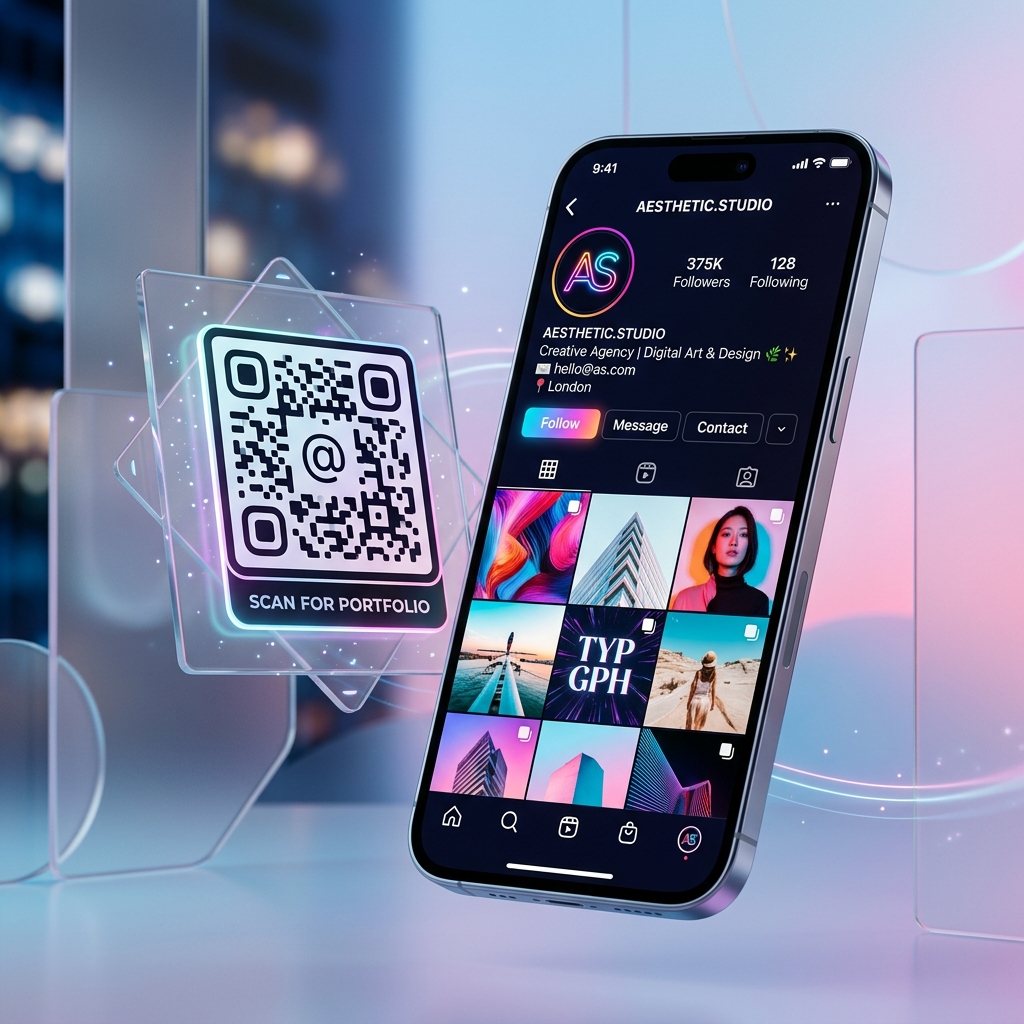
How to Create a QR Code for Instagram (Profile & Posts)
Boost your followers instantly. Learn how to generate custom QR codes that link directly to your Instagram profile or a specific post.
Connecting Offline to Online
Instagram is a visual platform, and QR codes are the perfect visual bridge to bring your physical customers to your digital community.
Direct Link to Profile
The most common use is linking to your main profile. This is perfect for business cards or storefront windows. Simply copy your profile URL (instagram.com/yourusername) and paste it into a QR maker.
Promoting Specific Posts or Reels
Want to run a contest or showcase a specific product? You can create a QR code for a single post by copying the post's direct link. This is highly effective for print advertisements.
Customizing for Your Brand
Don't stick to plain black and white. Use our Social QR Templates to match your Instagram branding colors and add an icon to increase trust and scan rates.