March 15, 2026 QRCodeer Team
How to Print Bulk Barcodes on A4 Label Sheets
Step-by-step guide to generating and printing hundreds of product labels using our professional layout tools.
Step 1: Generate Your Data
First, prepare your list of product IDs or names. Use our Bulk Generator to create the barcode images instantly.
Step 2: Choose Your Layout
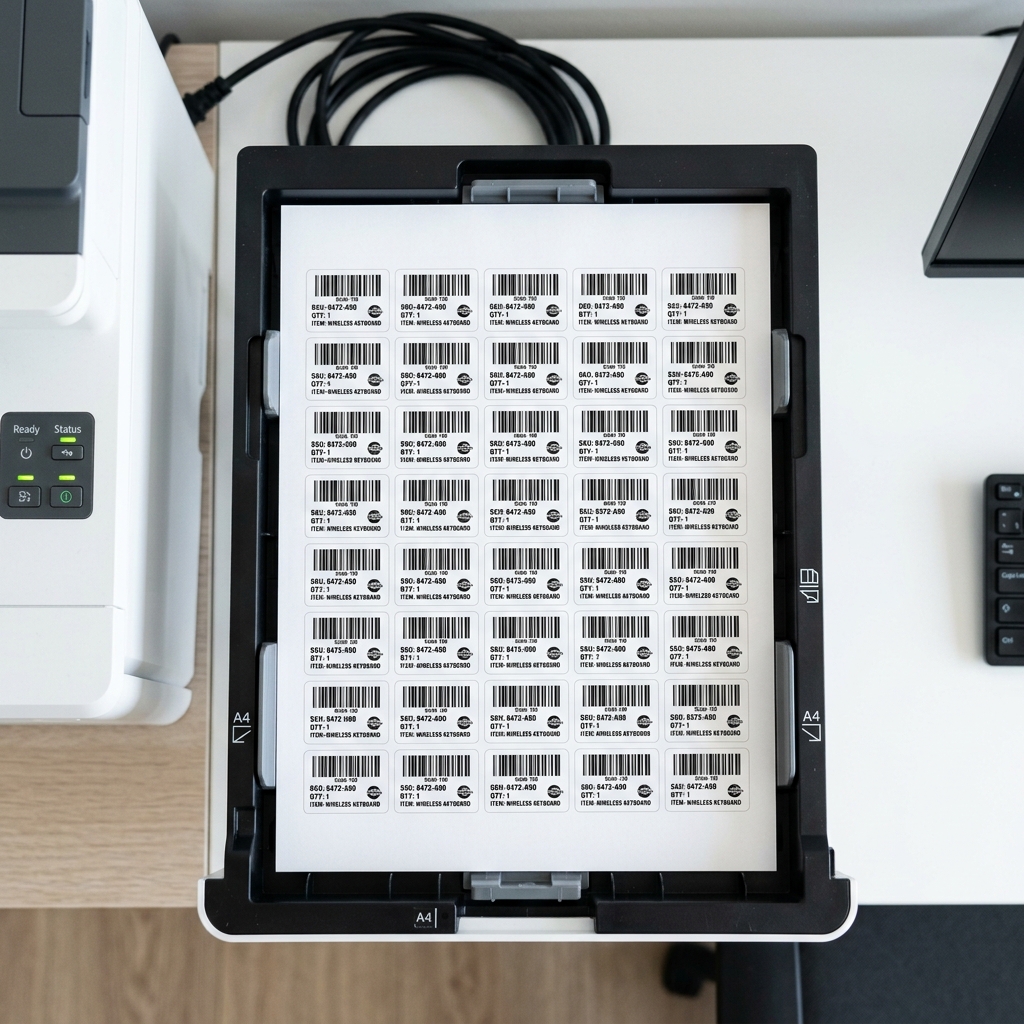
Standard A4 sticker sheets come in various configurations (e.g., 3x7 or 5x10). Our Print Layout Designer allows you to match these dimensions exactly.
Step 3: Export to PDF
Never print directly from a browser's print dialog if you want precision. Always export to a high-quality PDF first to maintain vector sharpness and exact margins.
Pro Tip
Check your printer settings and ensure "Scale to Fit" is turned OFF. This ensures your labels line up perfectly with the pre-cut stickers.