May 14, 2026 QRCodeer Team
The Easiest Way to Share WiFi Passwords on iPhone
No more typing long, complex passwords. Learn how to generate a 'Scan to Join' QR code for your home or office guests.
The Magic of WiFi QR Codes
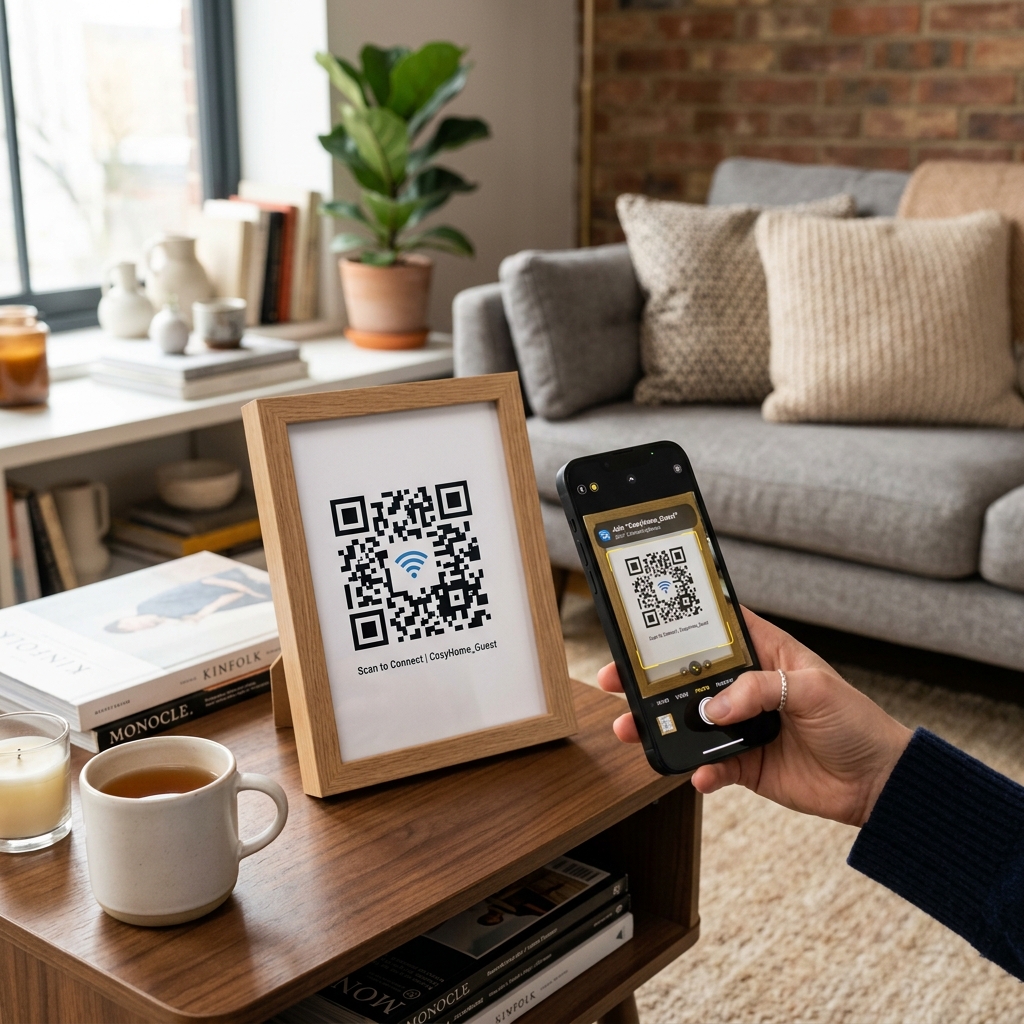
Both iOS and Android now support native WiFi scanning. When a user scans a WiFi QR code, they are prompted to 'Join Network' without ever seeing the password.
How to Generate the Code
You need three pieces of info: Your SSID (Network Name), the Password, and the Security Type (usually WPA/WPA2). Simply enter these into our generator.
Security Benefits
Sharing your WiFi via QR code is more secure because guests don't need to write down or remember your password, and they can't accidentally share it with others as easily.
Set Up Your Guest Network
Make your guests feel at home. Visit our WiFi QR Tool and print a code for your living room or office lobby today.